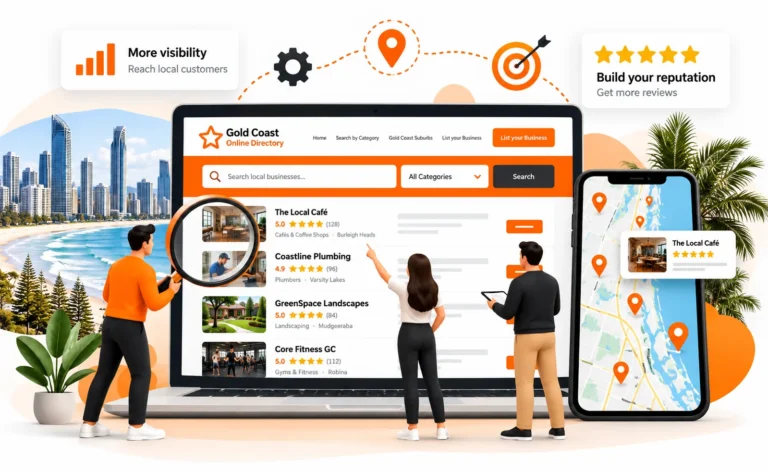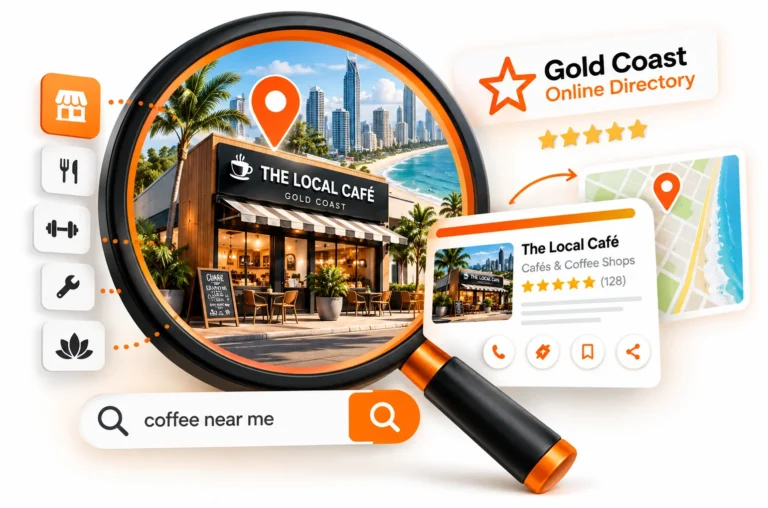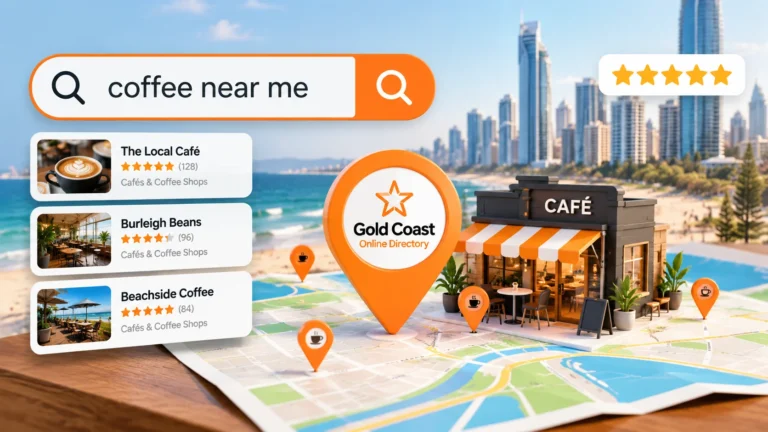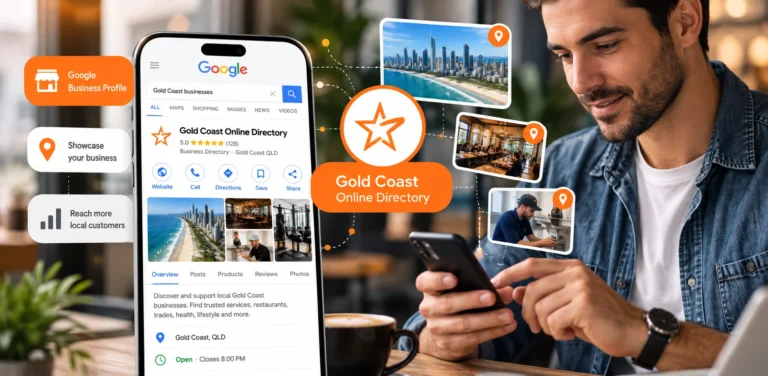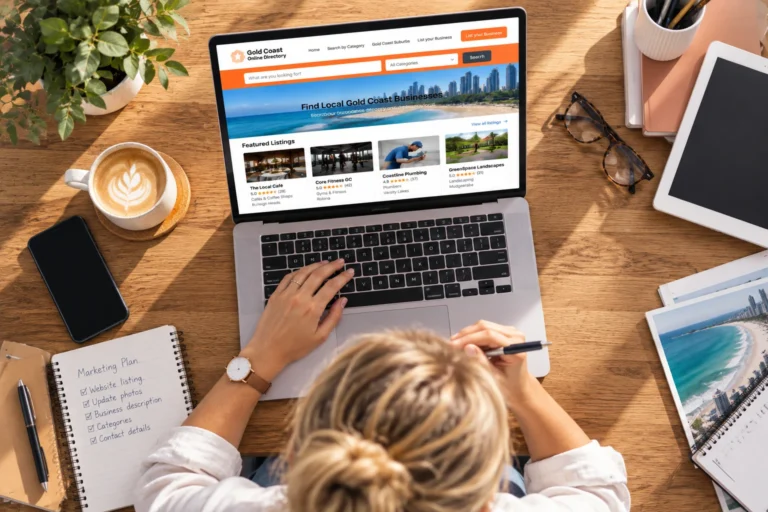
A Gold Coast business profile should give potential customers the information they need to understand what your business offers, where you operate and how they can contact you.
When customers discover a business online, they often compare several options before making contact. A complete profile helps them quickly decide whether your business is relevant by showing your services, location, contact details and other useful information in one place.
A profile with only a business name and phone number provides limited context. Adding your services, service area, opening hours, website and other relevant details gives customers a clearer understanding of what you provide and makes it easier for them to take the next step.
A useful business profile should answer three basic questions:
- What does this business provide?
- Does it operate in the area I need?
- How can I contact it?
Here is what to include when creating your Gold Coast business profile.
Start With Your Correct Business Name
Your business name is one of the first details customers use to identify your company. Use the genuine name your business trades under and keep it consistent with your website and other important business profiles.
Avoid adding extra keywords, services or locations to the business name simply to try to attract more searches.
For example:
Use:
Coastal Electrical
Avoid:
Coastal Electrical Best Electrician Gold Coast Emergency Services
Your services and locations belong in the relevant sections of your profile, such as your description, categories and service information.
Using your genuine business name makes it easier for customers to recognise your company when they find you through your website, Google Business Profile or other online listings.
Choose the Right Business Categories
Categories help organise businesses within a directory and allow customers to find companies that match what they need.
Choose categories that accurately represent your main products or services. Relevant categories make your profile easier to understand and help customers identify whether your business suits their needs.
Depending on your business, categories could include:
- Automotive
- Business services
- Cleaning services
- Food and beverages
- Health and fitness
- House and garden
- Professional services
- Restaurants
- Retail
- Trades
- Travel and accommodation
If multiple categories are available, prioritise the ones most closely connected to your core business activities.
Avoid selecting unrelated categories simply to increase visibility. A smaller number of accurate categories is more useful than a longer list that does not reflect what your business provides.
Write a Useful Business Description
Your business description should explain what your business does in clear, practical language.
A potential customer should quickly understand:
- What you provide
- Who you help
- Where you operate
- Your main areas of specialisation
Put the most important information near the beginning of your description.
For example:
Coastal Electrical provides residential electrical services across the Gold Coast, including lighting installation, switchboard work, electrical maintenance and fault finding.
This example explains the business type, services and location without unnecessary promotional wording.
Avoid vague claims such as:
- Best service
- Number one company
- Leading provider
unless you have clear evidence to support them.
Specific information helps customers understand your business better than broad marketing statements.
Add Your Main Products or Services
Customers should be able to understand your main offerings without searching through multiple pages.
Include the products or services people are most likely to look for when deciding whether your business is suitable.
Examples:
A cleaning business might include:
- Residential cleaning
- Office cleaning
- Carpet cleaning
- End-of-lease cleaning
A web design business might include:
- WordPress web design
- eCommerce websites
- Website maintenance
- SEO
A restaurant might include:
- Cuisine type
- Dining options
- Booking information
- Takeaway options
Focus on your main services rather than listing every possible offering.
Your website can provide more detailed information, but your profile should give customers enough information to understand what your business does.
Include Your Location or Service Area
Location information helps customers decide whether your business is relevant to their needs.
If customers visit your premises, include accurate location details where appropriate.
If you travel to customers, clearly explain your genuine service area.
For example:
Servicing customers across Southport, Surfers Paradise, Broadbeach, Robina and surrounding Gold Coast suburbs.
Only include areas your business actually serves.
Clear location information helps customers understand whether they are within your service area and reduces enquiries from locations you do not cover.
Add Your Current Contact Details
Once someone decides your business may be suitable, contacting you should be simple.
Depending on the profile options available, include:
- Phone number
- Business address
- Website
- Opening hours
- Social media profiles
Before publishing, check every detail carefully.
A small error, such as an incorrect phone number or broken website link, can prevent an interested customer from reaching your business.
Your contact details should match the information shown on your website and other important profiles.
Link to Your Website
Your business profile introduces your company, while your website can provide customers with more detailed information before they decide to contact you.
A visitor may continue to your website to:
- Learn more about your services
- View products or examples of previous work
- Read frequently asked questions
- Check your credentials
- Request a quote
- Make a booking
- Submit an enquiry
Make sure the website link on your profile is correct and leads to a working page.
For most businesses, the homepage may be the best destination for a general profile. If a more specific page gives customers clearer information about a particular service, that may also be suitable where the profile allows it.
The goal is not simply to include a website link. It is to give visitors a useful next step after discovering your business.
Add Your Opening Hours
Opening hours help customers know when they can contact or visit your business.
This information is particularly important for businesses such as:
- Restaurants
- Cafes
- Retail stores
- Health providers
- Salons
- Professional offices
- Automotive businesses
- Businesses with customer-facing premises
Keep your hours accurate and update them when your operating schedule changes.
If your business has seasonal hours, temporary closures or different opening times, review your profile information to make sure customers are seeing current details.
Your opening hours should match the information shown across your website and other important business profiles.
Use Images That Represent Your Actual Business
Images help customers understand your business before they contact you.
The most useful images depend on your industry, but may include:
- Business premises
- Team members
- Products
- Completed projects
- Vehicles
- Facilities
- Food
- Accommodation
- Equipment
Choose images that accurately represent what customers can expect.
For example:
- A builder can show completed projects.
- A restaurant can show food and dining areas.
- A retailer can show products and the store environment.
- A service business can show its team, equipment or completed work.
Clear, genuine images can provide useful context and help customers better understand your business.
Include Your Social Media Profiles Where Relevant
If your business actively uses social media, adding those profiles can give customers another way to learn about your company.
Social profiles may be useful for businesses where recent work, products or visual content influence customer decisions.
Examples include:
- Restaurants
- Cafes
- Retailers
- Hair and beauty businesses
- Fitness businesses
- Builders
- Landscapers
- Photographers
- Tourism businesses
Only include social profiles that are active and current.
An outdated profile with old information may create confusion rather than provide additional value.
Include Reviews Where Available
Reviews can help customers understand other people’s experiences with a business.
Where a directory supports reviews, genuine customer feedback can provide additional context for people comparing local businesses.
Reviews should support the factual information in your profile, not replace it.
Do not create or manipulate reviews. Encourage genuine feedback from customers and respond appropriately where the platform allows.
Add Details That Help Customers Compare Your Business
A useful profile should help customers understand why your business may be suitable for their needs.
Depending on your industry, useful details may include:
- Years in operation
- Qualifications
- Licences
- Industry memberships
- Brands supplied
- Specialist services
- Appointment options
- Areas serviced
- Warranty information
- Relevant facilities
Only include details that are accurate and current.
Specific information usually helps customers more than broad statements about being the best or a leading provider.
What Does a Complete Gold Coast Business Profile Include?
A complete profile does not need unnecessary information. It should focus on the details customers need when comparing businesses.
| Profile element | What to include | Why it helps customers |
| Business name | Genuine trading name | Helps customers identify your business |
| Categories | Relevant business categories | Helps customers find suitable providers |
| Description | Services, audience and location | Explains what your business offers |
| Products or services | Main offerings | Shows whether your business meets their needs |
| Location | Address or genuine service area | Confirms geographic relevance |
| Phone | Current contact number | Gives customers a direct contact option |
| Website | Correct working URL | Provides more detailed information |
| Opening hours | Current operating hours | Shows when customers can contact you |
| Images | Genuine business photos | Provides visual context |
| Social profiles | Active accounts | Gives customers another way to research your business |
| Reviews | Genuine customer feedback | Supports customer research |
Keep Your Profile Focused on the Customer
It can be tempting to treat a business profile as an SEO exercise and fill it with repeated keywords. This often makes the information harder for customers to read.
For example:
Gold Coast electrician offering electrician Gold Coast services for customers looking for Gold Coast electrical services across the Gold Coast.
The service and location are repeated, but the description does not give customers useful information.
A clearer version would be:
Residential electrician servicing the Gold Coast, providing lighting, switchboard, maintenance and electrical fault-finding services.
Use relevant search terms naturally, but prioritise information that helps customers understand what you provide.
A clear, useful description is more valuable than repeating the same keywords.
Check Your Profile Before Publishing
Before submitting your listing, review each section and confirm:
- Your business name is correct
- Categories accurately represent your services
- Your description explains what you provide
- Your service area is accurate
- Your phone number is current
- Your website link works
- Opening hours are correct
- Images represent your business
- Social links lead to active profiles
- Listed services are still available
- Spelling and formatting are correct
It is also worth comparing your finished profile with your website and Google Business Profile.
Important business details should remain consistent so customers do not encounter conflicting information.
Update Your Profile as Your Business Changes
A profile that was accurate when created can become outdated as your business develops.
Review your profile after changes such as:
- Moving premises
- Changing phone numbers
- Launching a new website
- Updating opening hours
- Adding new services
- Removing services
- Expanding your service area
- Rebranding
Keeping your information current helps customers find accurate details when they discover your business online.
Build Your Gold Coast Business Profile
A useful Gold Coast business profile gives customers the information they need to understand your business, assess whether it suits their needs and decide how to contact you.
Start with accurate business details, choose relevant categories, explain your services clearly and include information that helps customers compare your business with other local options.
Before publishing, check that:
- Your business name is correct
- Your categories match your services
- Your description clearly explains what you offer
- Your contact details are current
- Your website link works
- Your images represent your business
- Your location or service area is accurate
Gold Coast Online Directory provides local businesses with a profile where they can present their information and connect potential customers with their website and contact details.
Create your Gold Coast business profile and give local customers the information they need to understand your business and get in touch.